

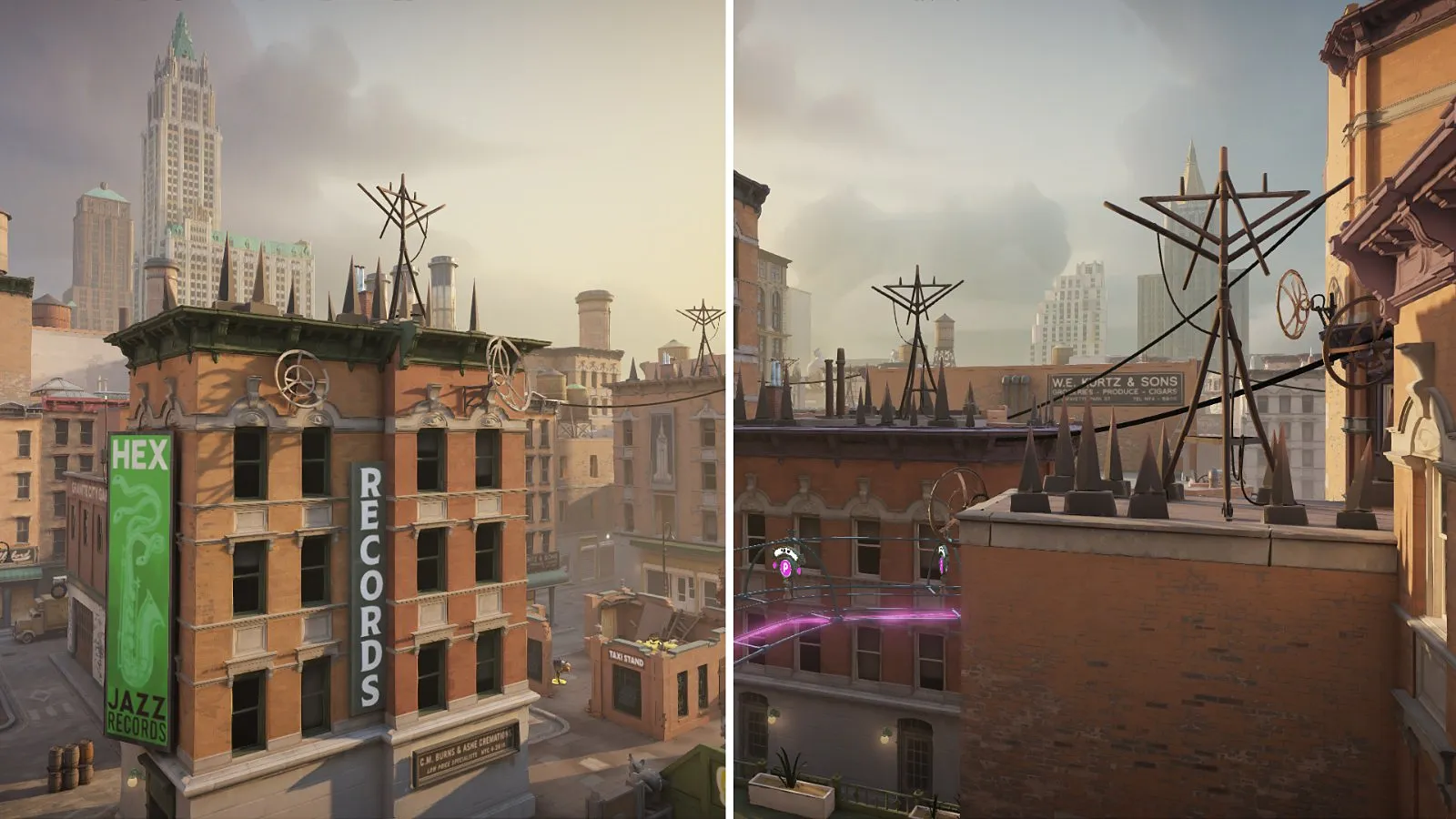
Short answer#
There’s no single winner. Which renderer runs better depends on your GPU, driver version and CPU. If the game runs well, leave it alone. If you have crashes, stutter or low FPS, testing the other renderer is one of the quickest things to try.
How to switch renderer#
- In Steam, right-click Deadlock and choose Properties.
- On the General tab, find Launch Options.
- Type
-vulkanto force Vulkan, or-dx11to force DirectX 11. - Launch the game. To go back to the default, delete the option.
These are the standard Source 2 launch options that Deadlock players use. If one stops working after an update, remove it and the game falls back to its default.

How to test fairly on your PC#
A fair test beats any chart from someone else’s hardware:
- Use the same settings and resolution for both renderers.
- Play a few minutes in the sandbox or a bot match first so shaders finish compiling — the first run on a new renderer always stutters more.
- Record average FPS and, more importantly, how smooth it feels (1% lows) in the same busy situation, such as a team fight or a crowded lane.
- Do it twice for each renderer and keep the one that feels smoother, not just the one with the higher average.
Stability and crash differences#
If the game crashes on start-up or during matches, switching renderer is worth trying before deeper fixes, because some crashes are driver-specific. Always update your GPU driver first. Our crash and launch fixes page covers the rest.
FAQ#
Is Vulkan better than DX11 for Deadlock?
It depends on your hardware. Test both with the same settings and keep whichever feels smoother.
How do I switch to Vulkan?
Add
-vulkan to Deadlock’s launch options in Steam. Use -dx11 for DirectX 11.Why does the first match stutter after switching?
The new renderer has to build its shader cache. Play a few minutes before you judge it.